 SKYFORGE REVIVAL
Fan-Run Server Emulator
Ascend. Become a god. Again.
Skyforge Revival brings the fallen science-fantasy MMO back to the planet Aelion. A community project rebuilding the original path to godhood as a private server emulator.
About Skyforge Revival
A Dead MMO, Revived by Its Community
Skyforge was a science-fantasy MMORPG in which players took on the role of Immortals, fighting invaders on the planet Aelion and climbing the game's ascension system toward godhood. After the official servers shut down, the game became unreachable for new and returning players alike.
Skyforge Revival is a fan-built server emulator that recreates the original world, classes, and progression so the community can keep playing. The project is run independently and non-commercially.
All content, progress, and timelines are currently in active development — see the status panel and the installation section below for details.
Project Status
- Phase
- Tutorial area
- Platform
- PC (Windows)
- Base
- Skyforge Client
- Cost
- Free
- Run by
- Community
Join the Ascension
Create an Account
Create your real Skyforge Revival account now. Your login already works — once the server launches, you'll sign in with it directly in-game. You can also log in right here on the website to post in the Forum.
–
Immortals
already registered
already registered
Where We're Headed
Roadmap
No dev-speak — just what's coming and roughly in what order. Dates depend on volunteer time, so we track progress, not deadlines.
Foundations Live
The groundwork for the whole project — already up and running today.
- Website live with news & project status
- Account registration & username reservation open
- Community Discord launched
Getting Onto Aelion In Progress
Turning a registered account into an actual Immortal standing in the game world.
- Launcher connects to the Revival servers
- Login with your Revival account works
- Character creation screen
- First steps in the tutorial area
First Playable Zones Planned
Early areas and starter quests working end to end, so you can actually walk around and play.
- Starting island fully explorable
- Early quests & story missions
- First playable classes
All Classes & the Full World Planned
Every class unlocked and the rest of Aelion's regions opened up.
- Remaining classes & pantheons unlocked
- All main regions of Aelion open
Group Content Planned
Team up with other players for the game's signature group activities.
- Invasions
- Distortions
- Group dungeons
Endgame & Public Launch Planned
Endgame content ready, and the server opened up for everyone to join.
- Raids & world bosses
- PvP battlegrounds
- Public server launch
Watch
Skyforge in Action
A few glimpses of the original game, plus our first real progress footage of Revival itself.
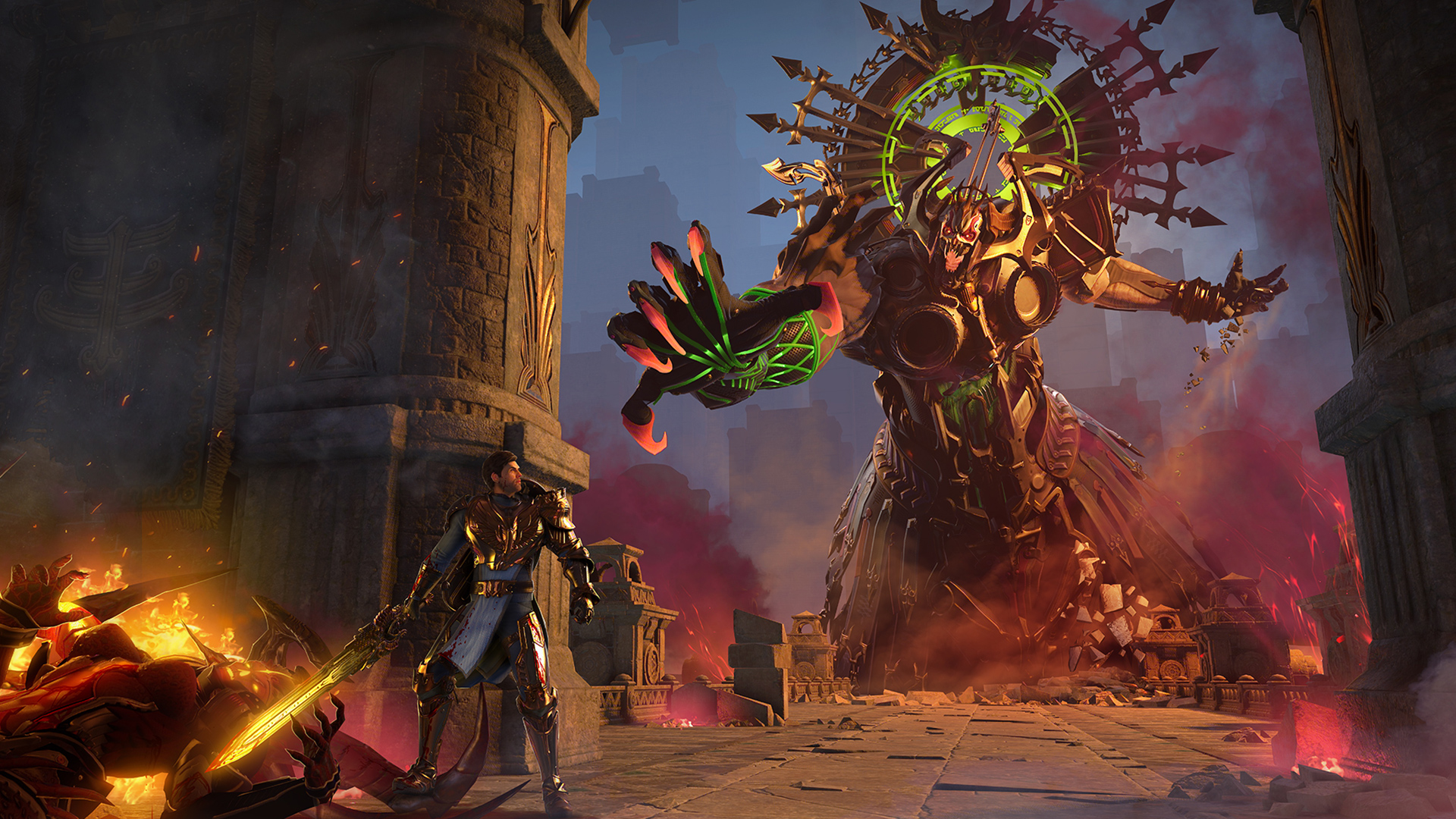
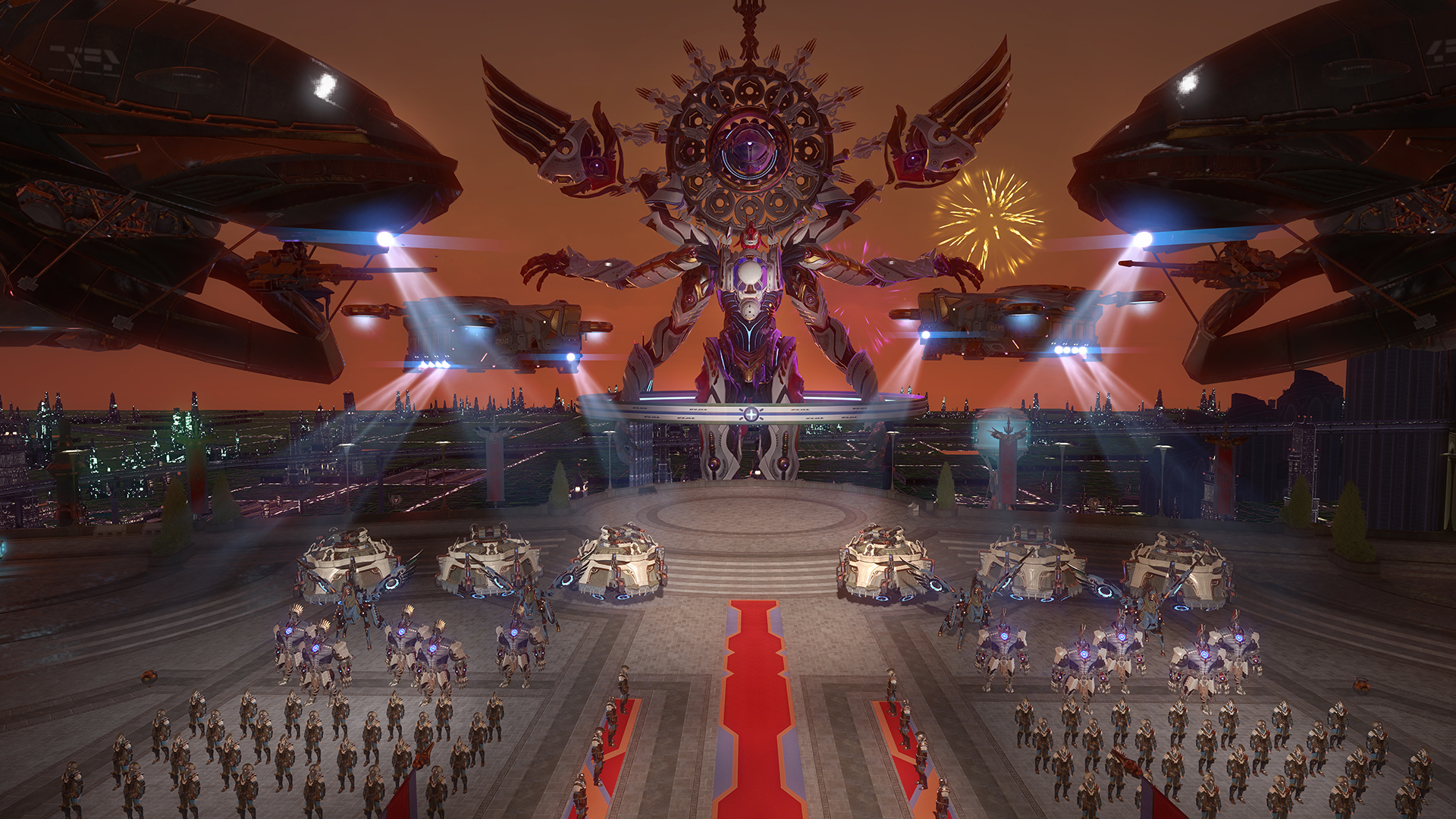
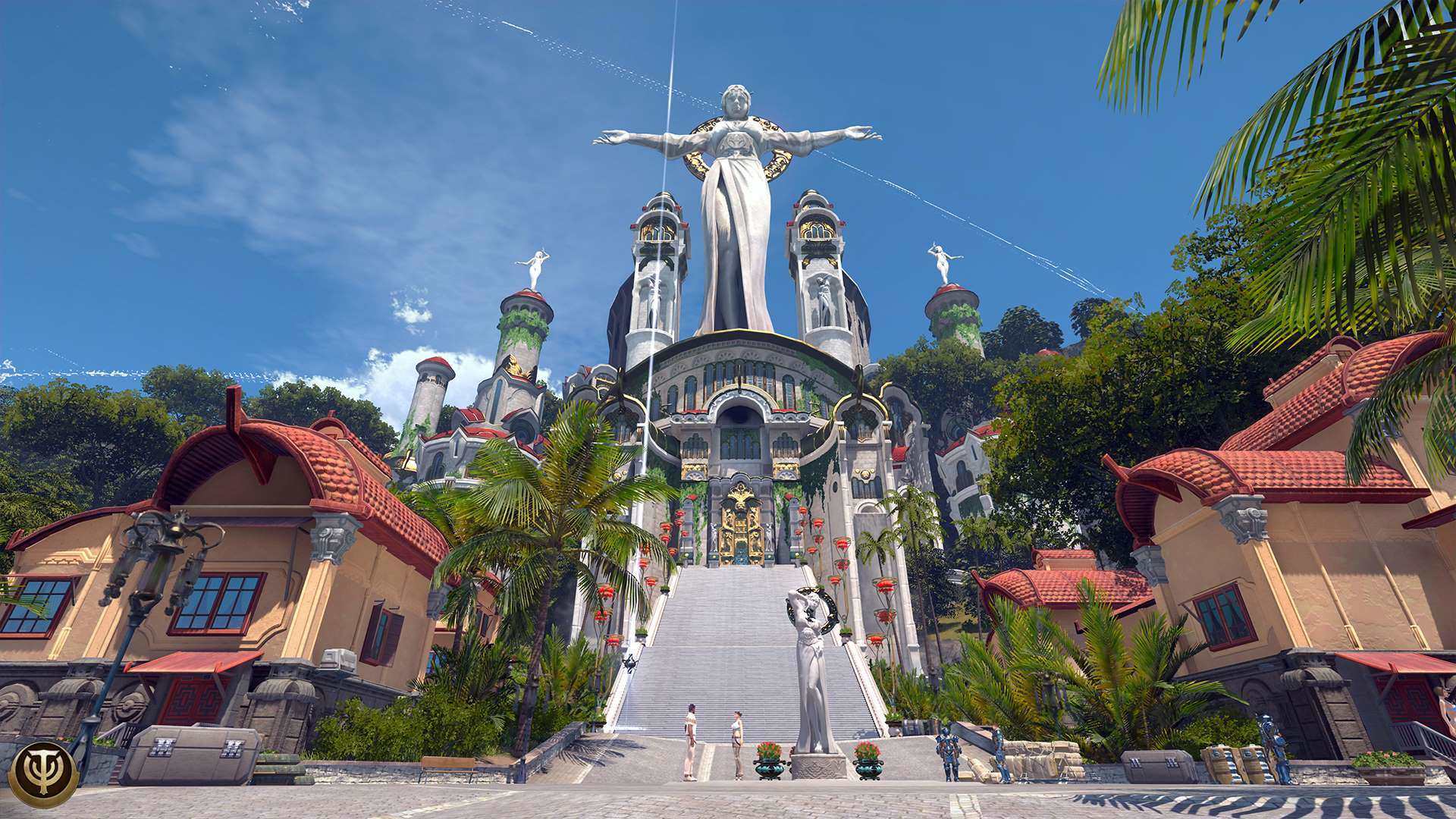
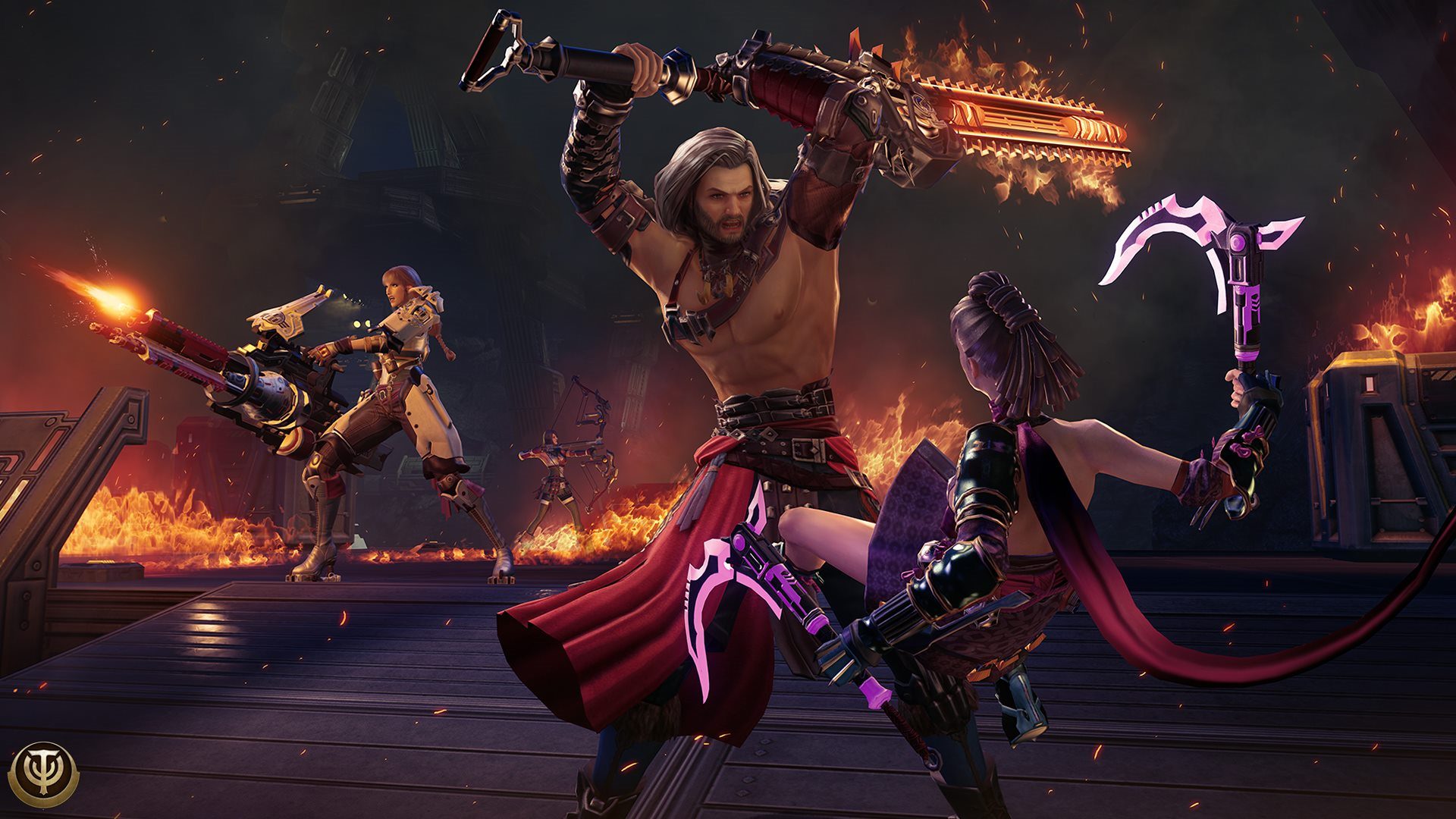
Screenshots
Scenes from Aelion
A few looks at the world you'll be stepping back into.
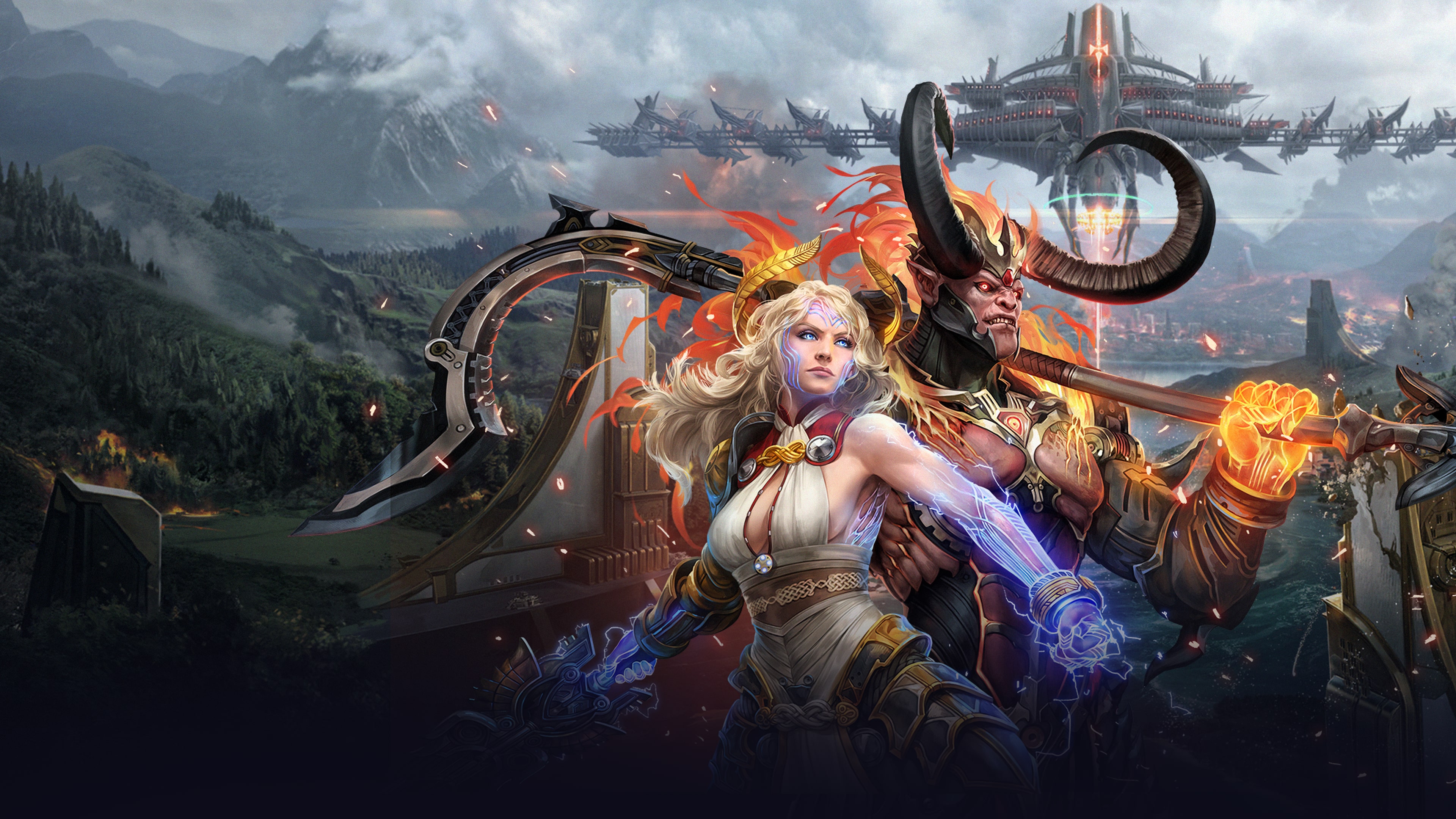 01 / 12
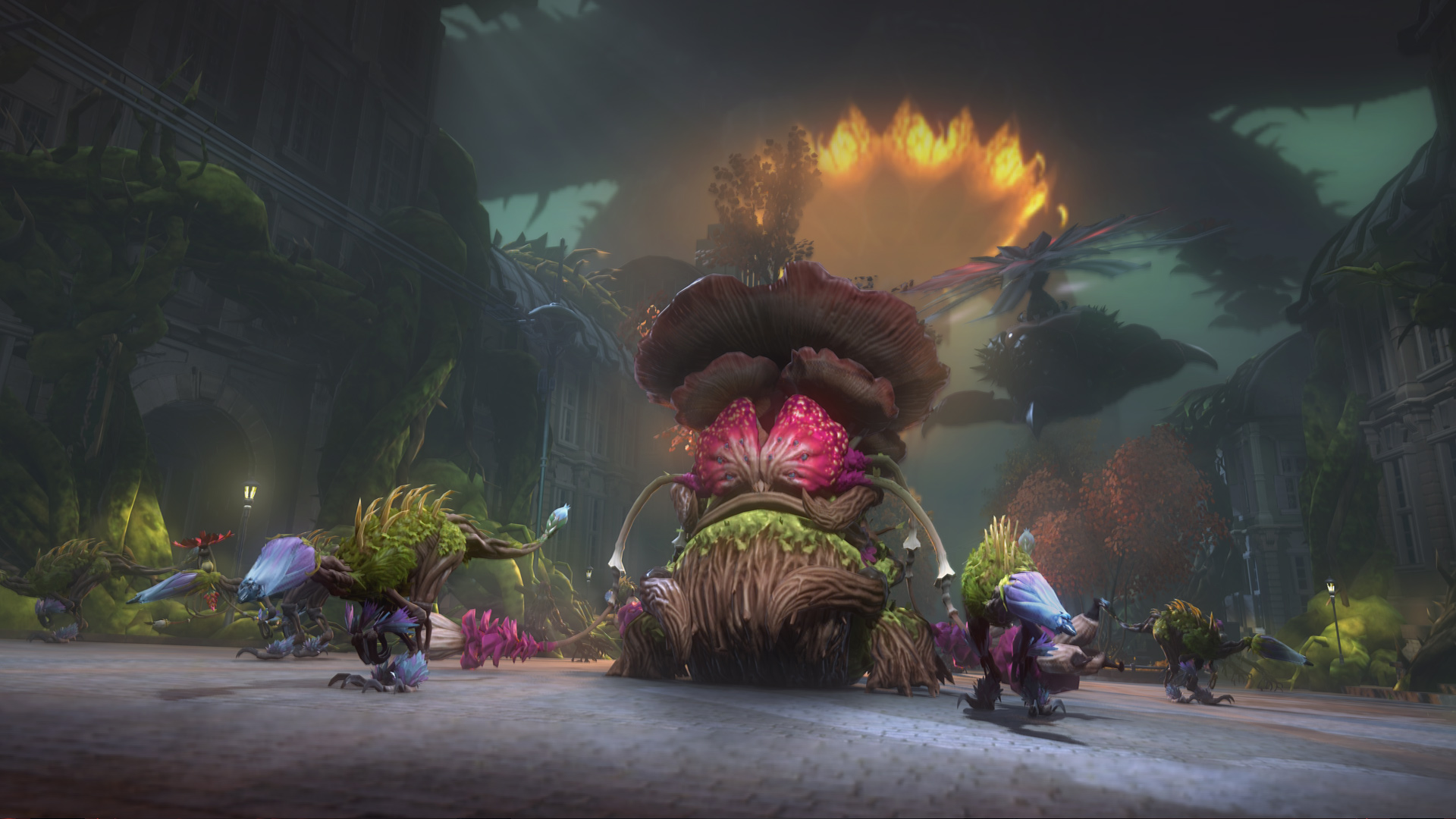 02 / 12
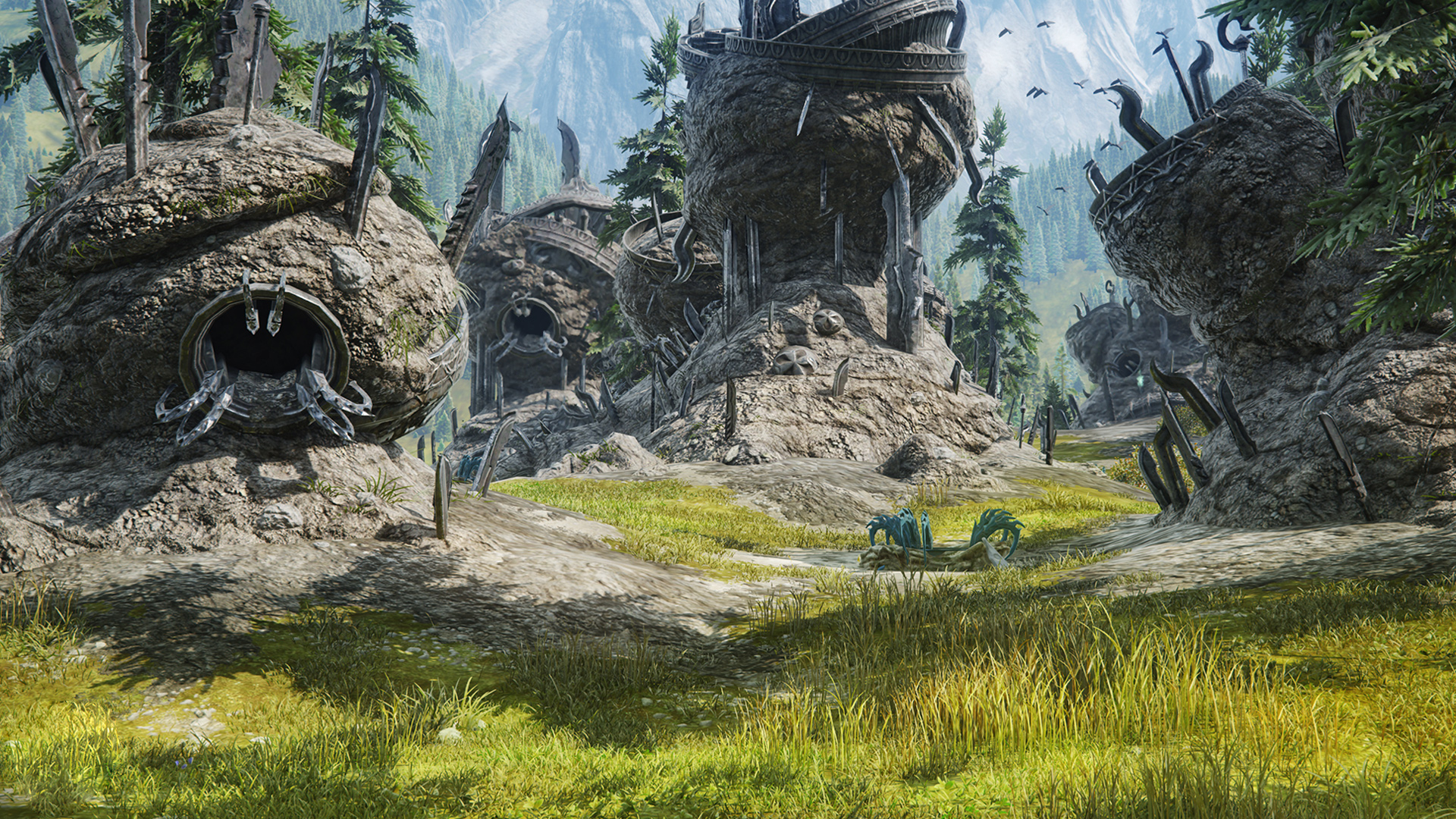 03 / 12
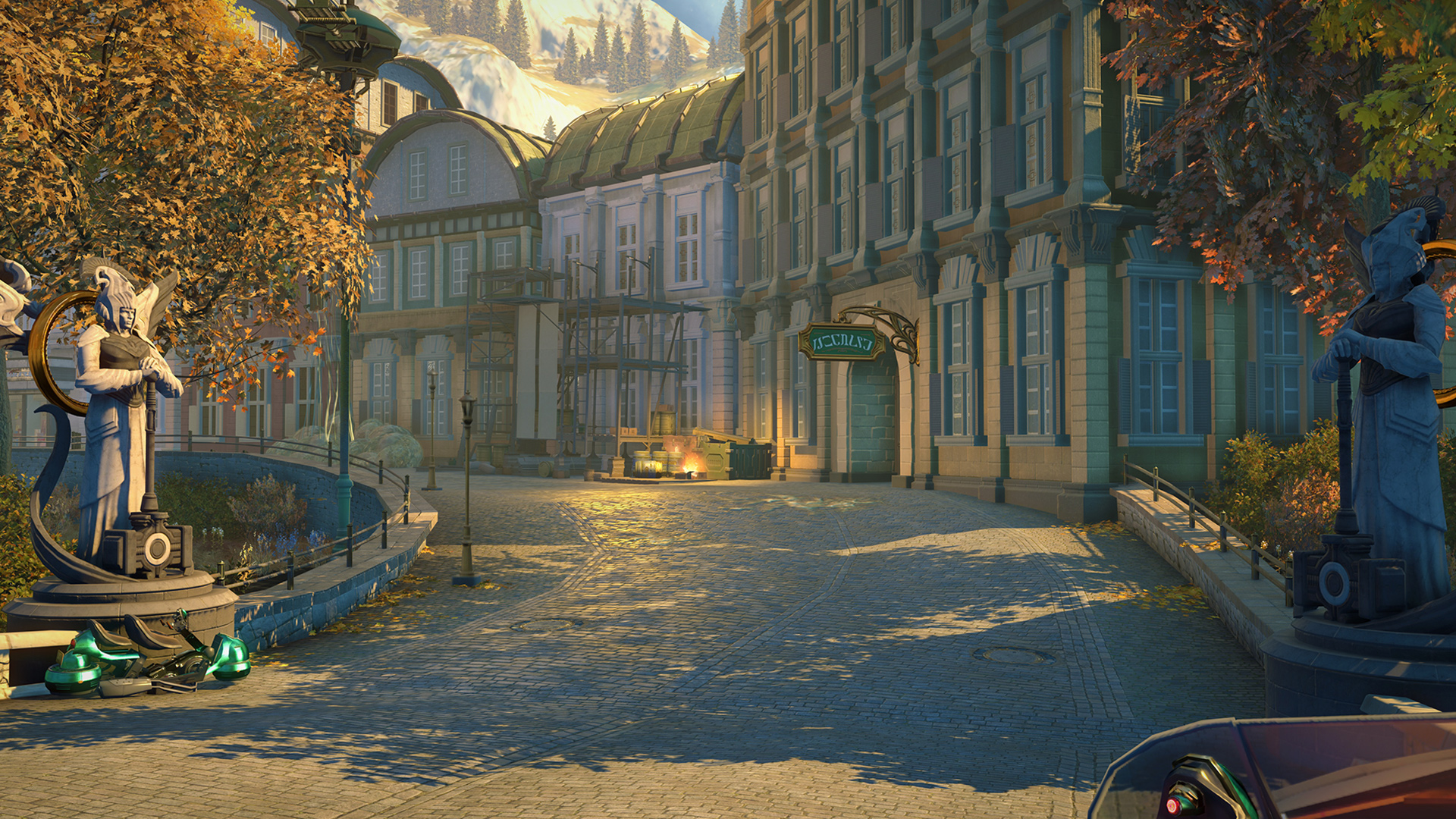 04 / 12
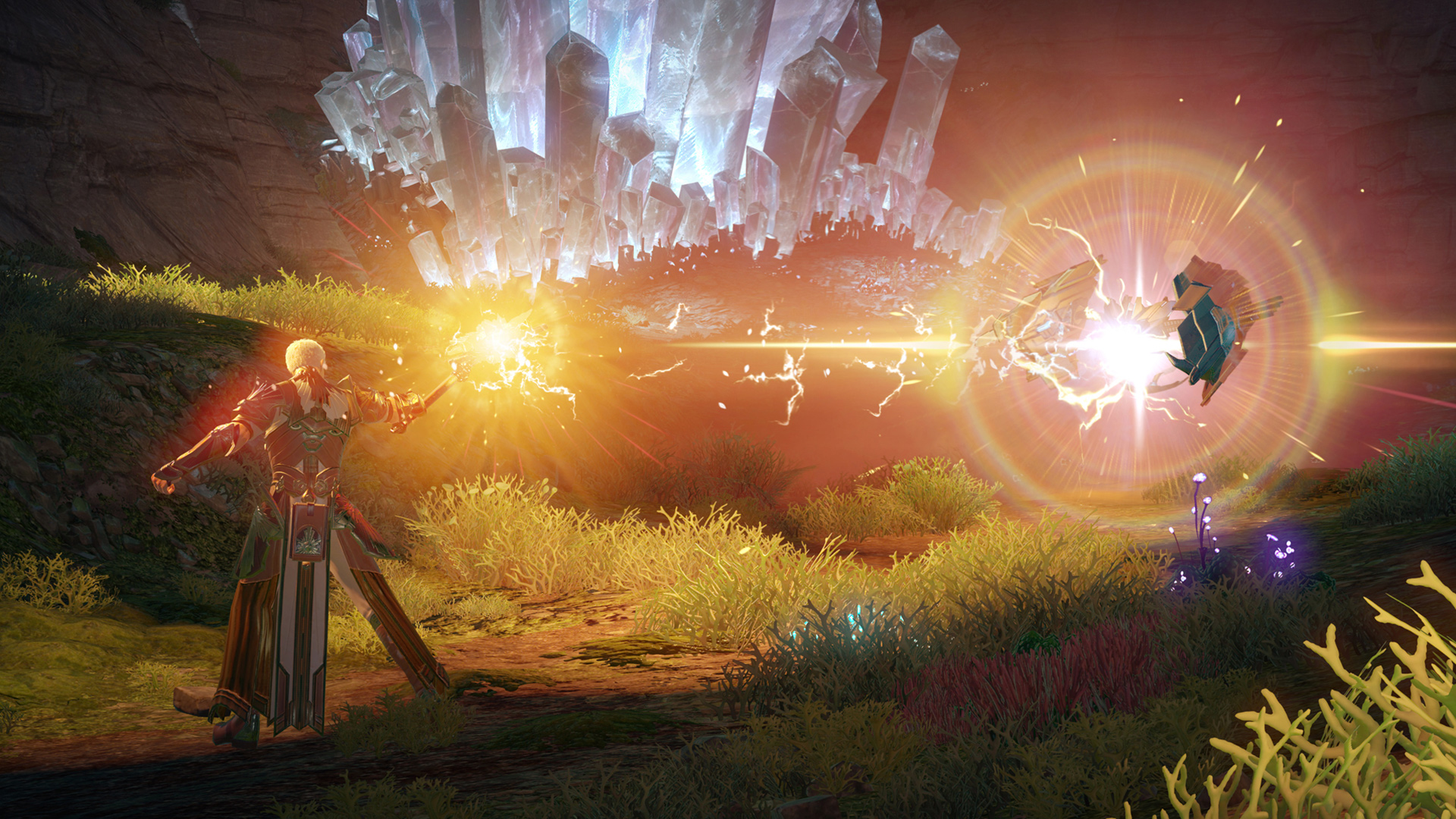 05 / 12
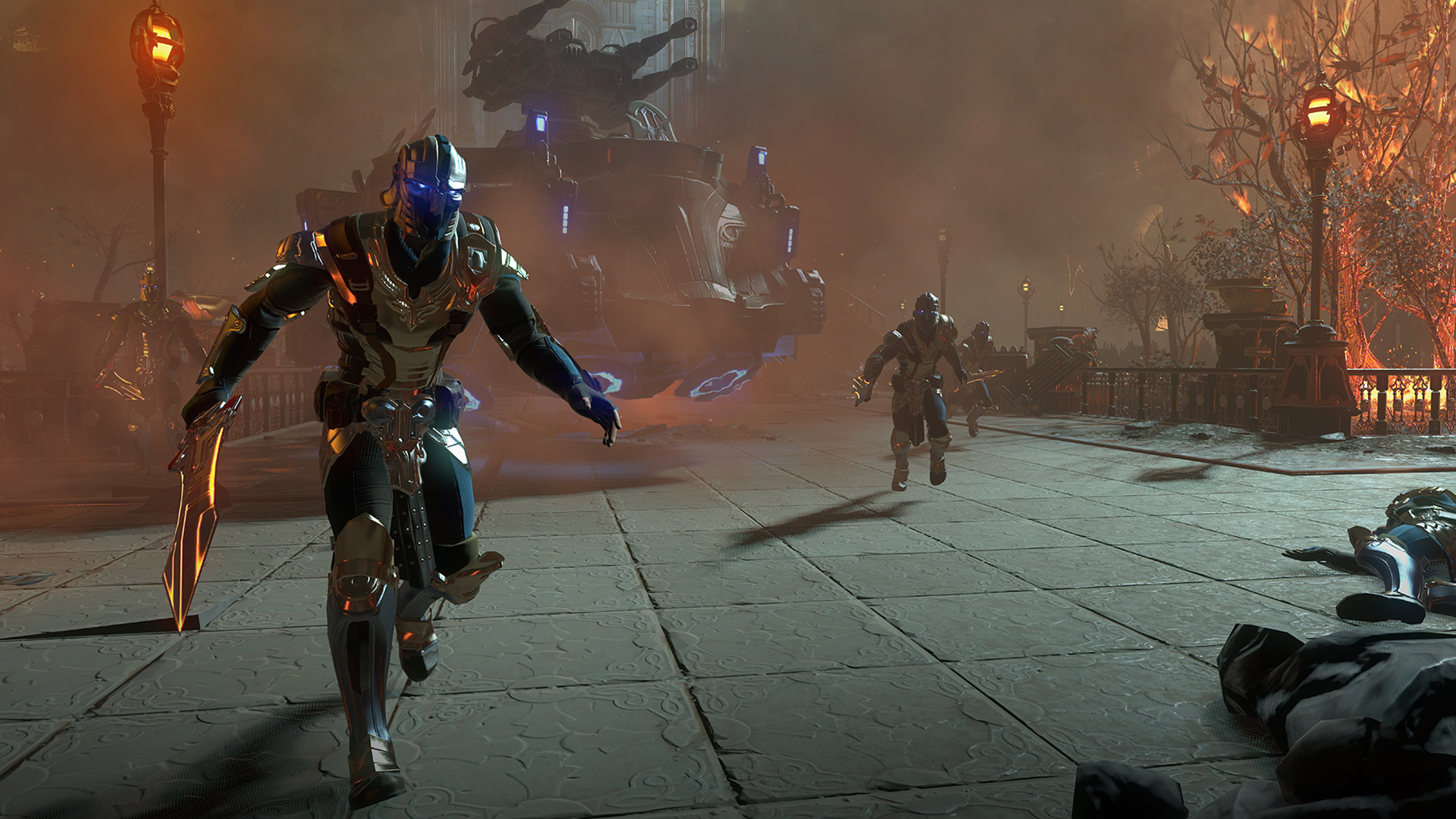 06 / 12
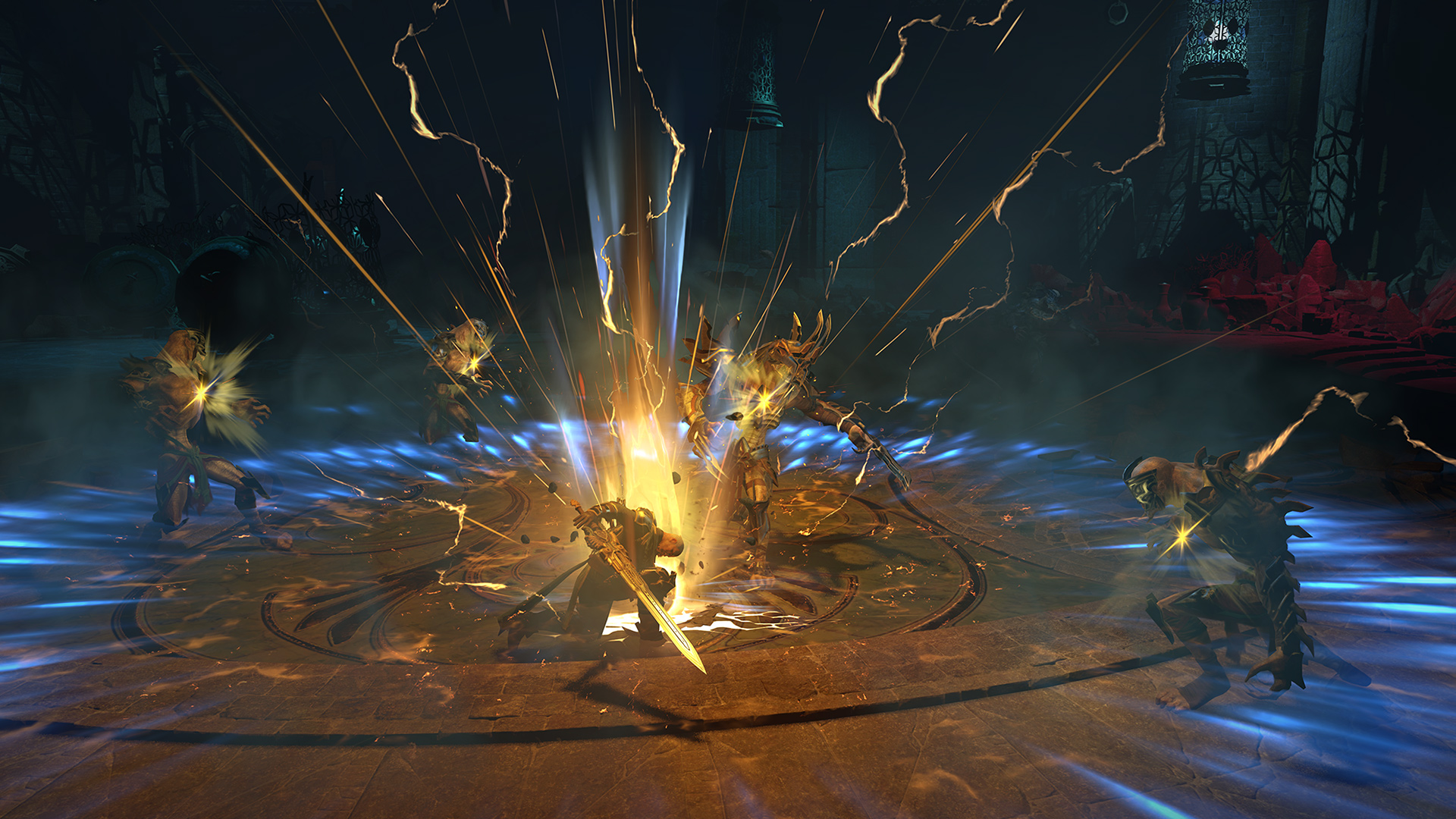 07 / 12
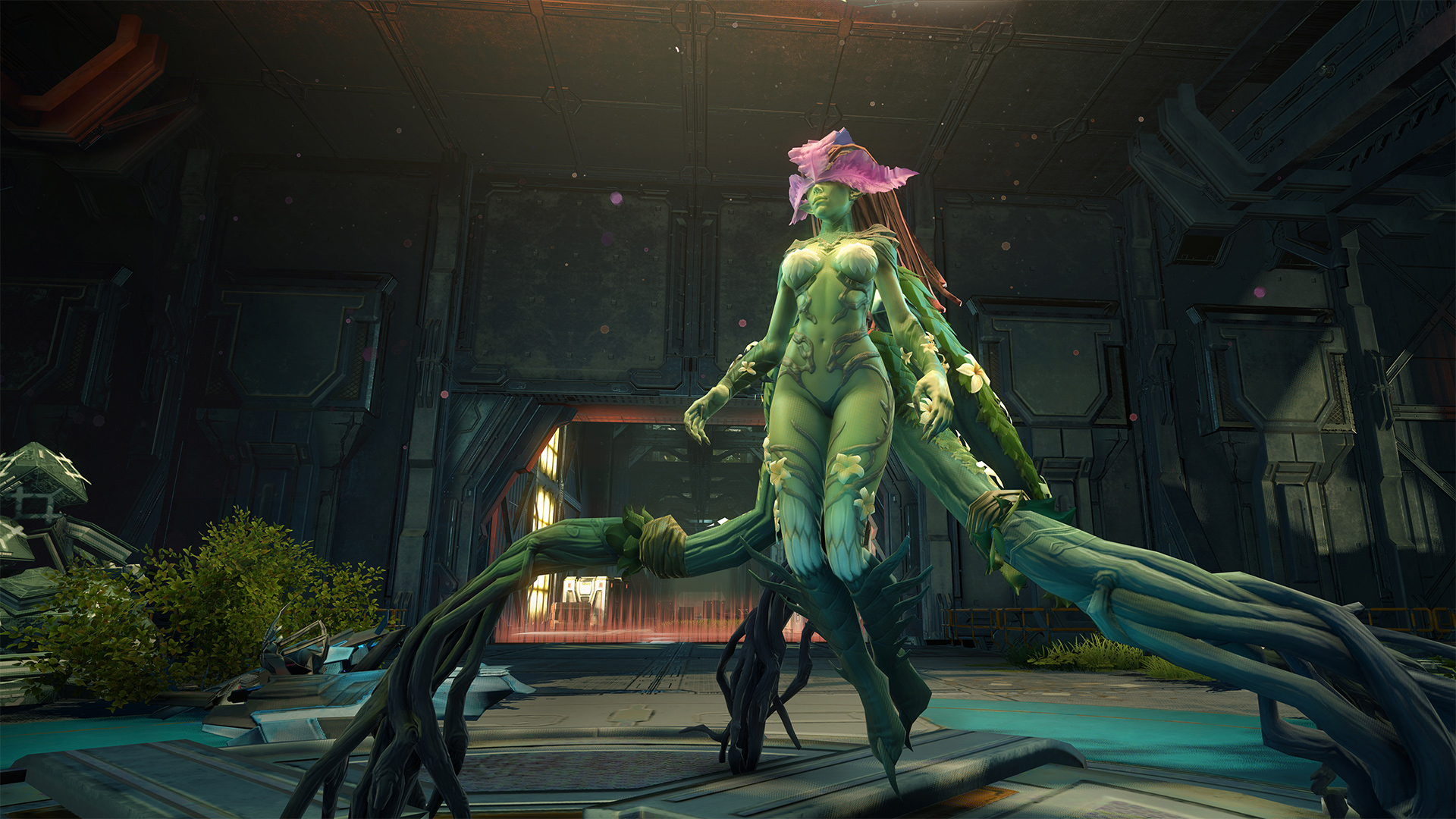 08 / 12
 09 / 12
 10 / 12
 11 / 12
 12 / 12
Screenshots from the original Skyforge, sourced from official store pages.
Why Revival
Faithful to the Original, Built by the Community
All Classes & Pantheons
From Paladin to Kinetic — the original classes and playstyles are preserved.
Faithful Progression
The ascension system, Invasions, and Distortions closely follow the original.
Community-Driven
Roadmap and priorities are shaped openly together with the player base.
Active Development
Regular patches, bug fixes, and new content as development progresses.
Community
Player Forum
Ask questions, share feedback, or just say hi. Anyone can read — log in above with your Revival account to post.
Log in above to start a new thread.
Loading threads…
More Info
Frequently Asked Questions
The questions we hear the most, answered plainly.
Is Skyforge Revival legal?
Skyforge Revival is a non-commercial, fan-run project built by players who wanted to keep the game alive after the official servers closed. We don't sell anything, and we're not affiliated with the original rightsholders. We do our best to run this responsibly, but as with any private server project, you should decide for yourself whether you're comfortable joining.
Will it cost anything to play?
No. Creating an account and playing on Skyforge Revival is completely free and always will be.
Do I need to own the original game?
Yes — you'll need the original Skyforge client files installed on your PC. We don't host or distribute the game client itself, only the launcher that connects it to our servers.
When will the server launch?
We don't have a fixed date — this is a volunteer project and things take the time they take. Check the Roadmap above for where we currently stand, or join our Discord for the latest updates.
Will my account or characters be wiped later?
During early testing phases, wipes are common as things get rebuilt and improved. We'll clearly announce any wipe before it happens, and let you know once the server is stable for the long term.
How can I help the project?
Join our Discord! We're always happy to have testers, feedback, and community members helping each other out. No technical skills required.
Getting Started
Installation
The process once the launcher is released. These steps are a placeholder and will be updated for the final release.
1
Get the Skyforge Client
The base game files are required before the emulator can connect.
2
Download the Revival Launcher
The launcher connects your client to the Revival servers and keeps it up to date.
3
Patch the Server Address
The launcher automatically writes the server address into config.ini.
4
Log In With Your Account
Use the account you create below to log in.
5
Ascend
Launch the game and continue your path to godhood on Aelion.
Revival Launcher
Not Available Yet
Coming Soon